WhatsApp Launches Usernames to Hide Phone Number from Strangers

Exchanging phone numbers with people you have just met can feel unsafe. WhatsApp is rolling out a username system, allowing you to hide your digits from strangers, new acquaintances, and large group chats.
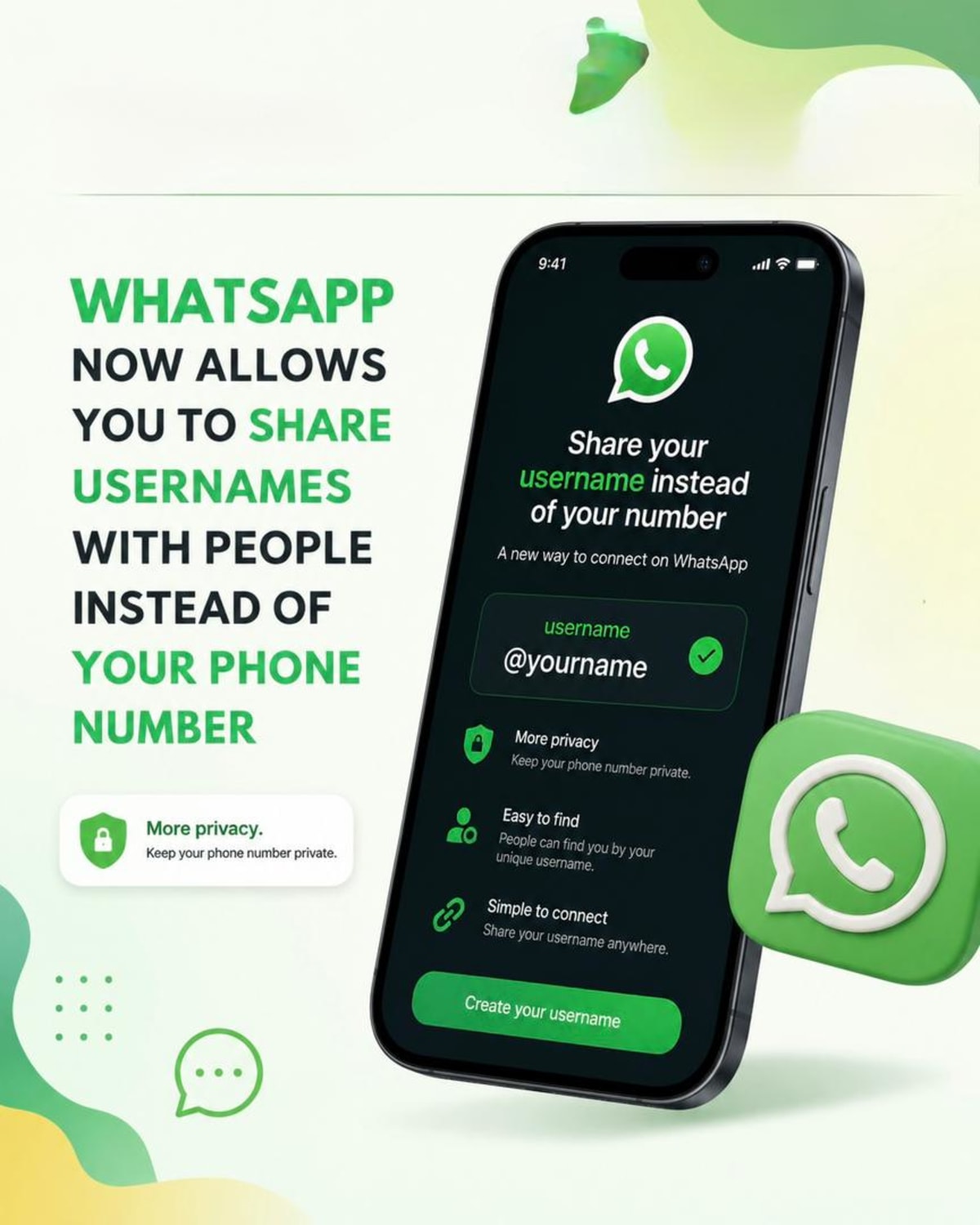
Meta has announced a major shift in how people connect on WhatsApp. For years, using the app required you to give out your personal phone number to anyone you wanted to chat with. That is finally changing.
WhatsApp is rolling out a username system, allowing you to hide your digits from strangers, new acquaintances, and large group chats.
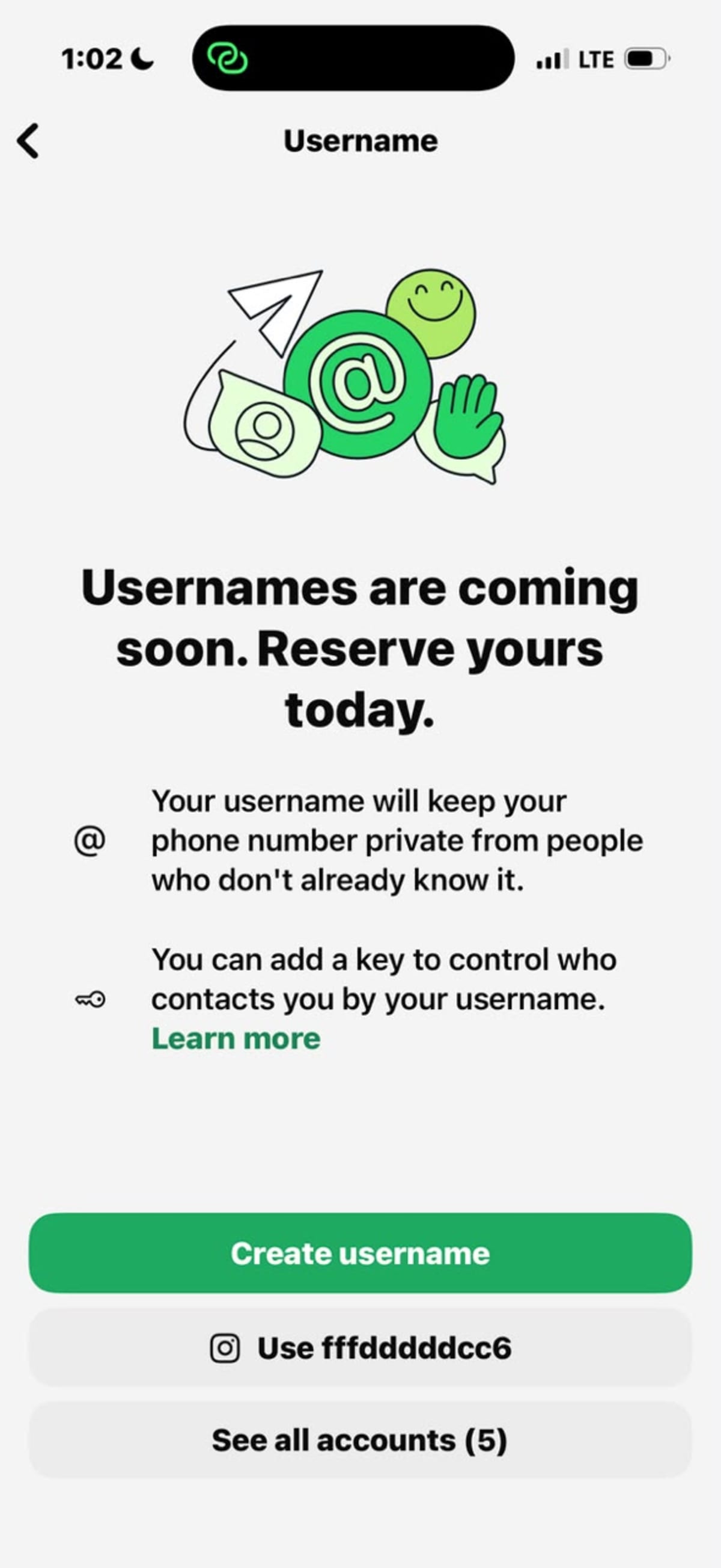
The company opened early username reservations this week. Because WhatsApp has more than three billion global users, many names will overlap. To give people a fair chance at securing their preferred names, Meta is letting users claim their unique identities now before the communication feature goes live later this year.
For most people, a phone number is tied to bank accounts, food delivery apps, and official government records. Handing it over to a casual acquaintance or a person you met at an event can feel risky.
With this update, if you meet someone new, you can simply give them your username. When they message you for the first time, your phone number remains hidden. Your number will also stay private when you join massive community groups filled with people you do not know.
To keep the platform safe, Meta confirmed there will be no public directory to browse and no automated search suggestions. A stranger cannot look up random names. Someone must know your exact username to start a conversation with you.
For users who want even tighter control, WhatsApp is adding a feature called a username key. This is an optional four digit code. If you turn this on, someone trying to message you for the first time will need both your exact username and your unique secret key to reach your inbox.
The platform is also looking out for creators and organizations. If you run a small business or have an established brand, WhatsApp will allow you to match and claim the exact username you already use on Facebook or Instagram to keep your online brand consistent.
The update is rolling out in phases across different regions. You will receive an alert inside your app when it is your turn to reserve a name.
To check if the feature is ready for you, update your app to the newest version, open your Settings, tap on Account, and look for the Username option. Your chosen handle can be up to 35 characters long and can include letters, numbers, dots, and underscores.
Here is the simplest way to get this set up on your phone.
1.Go to Settings:
Open WhatsApp and tap Settings (the gear icon on iPhone, or the 3 dots on Android).
2.Tap Your Profile:
Tap on your name or profile picture at the very top of the screen.
3.Find 'Username':
Look for the new Username row and tap it.
4.Type Your Name:
Type in the name you want. You can use letters, numbers, periods, and underscores.
5.Save It:
If the name is free, tap Save or Done. You're locked in!
Part 2
If you don't want random people guessing your username and messaging you, turn on the Secret Key:
On that same username screen, tap Who can contact me.
Choose People who know my key.
Create a simple 4-digit PIN.
What this does: Now, when you meet someone new, they will need both your username and your 4-digit PIN to send you a message. Your phone number stays completely hidden.
Note: Meta is releasing this slowly. If you don't see the "Username" button yet, check back in a few days after your next app update!


